Chatwik vs. LiveChat:
A Powerful Alternative
A comprehensive side-by-side comparison of LiveChat and Chatwik to help support, sales, and operations teams evaluate features, channel architecture, AI capabilities, and total cost of ownership.
Chatwik vs. LiveChat: A Powerful Alternative
Both Chatwik and LiveChat are powerful customer communication tools, but they are architected for different business priorities, ecosystem needs, and channel strategies:
LiveChat.com
Established enterprise teams requiring a 200+ app marketplace (Zendesk, Salesforce, Shopify) and traditional agent ticket assignment workflows.
- Deep integration marketplace connecting legacy CRM, ERP, & ticketing tools.
- Established legacy platform trusted by 35,000+ enterprise global brands.
- In-app Copilot helper for text edits, chat summaries, and tag suggestions.
Chatwik
Growth-focused support, sales, and marketing teams needing native WhatsApp, Instagram, Telegram & SMS with built-in AI copilot out-of-the-box.
- Native messaging channels (WhatsApp, Instagram, FB, LINE, Telegram, Email, SMS).
- Ultra-fast asynchronous widget (<50ms) with zero impact on Lighthouse scores.
- Native Wik AI Copilot for draft replies, knowledge base search, and chat summaries.
⚖️ Decision Summary: Choose LiveChat if your team relies heavily on a large third-party app marketplace and traditional ticketing workflows. Choose Chatwik if you prioritize native multi-channel messaging (WhatsApp, IG, Messenger), built-in AI assistance out-of-the-box, and hyper-fast website widget performance.
Side-by-Side Comparison: Chatwik vs. LiveChat
A comprehensive feature evaluation comparing LiveChat's established marketplace ecosystem with Chatwik's native multi-channel messaging and built-in AI copilot architecture.
| Service Must-Haves | Chatwik | LiveChat |
|---|---|---|
| Native Social Channels | WhatsApp, Instagram, Facebook Messenger, LINE, Telegram, Email, SMS, TikTok | WhatsApp, Instagram, Messenger (via marketplace apps) |
| Widget Load Speed | <50ms asynchronous load, zero SEO impact | Standard load, speed not publicly specified |
| AI Layer | Ask anything to Wik AI Copilot (Email drafts, Translate, Shortcuts, Suggest a reply, Summarize conversation) | Copilot (text enhancement, tag suggestions, chat summary) |
| API Architecture | REST endpoints + Client-side JS SDK / Real-Time Messaging (RTM) WebSockets | Available APIs & Webhooks |
| CRM Workspace | Built-in with browser session history, contact attributes, and conversation timeline | Available via integrations |
| Instagram Automation | Comment-triggered auto-DMs, creator insights, like-message triggers | Basic DM support via marketplace app |
| Facebook Ads & Comments | Lead form sync, comment-to-ticket conversion | Not natively available |
| WhatsApp Catalog Sync | Product card embedding, checkout in inbox | Not natively available |
| Uptime SLA | 99.99% stated uptime | Enterprise-grade, not publicly specified |
| Free Trial | 14 days, no credit card required | 14 days, no credit card required |
| Starting Price | Transparent pricing (Unified AI & Channels) | From $19/month + separate ChatBot.com subscription |
Native Channels vs. Add-On Integrations: Which Covers More?
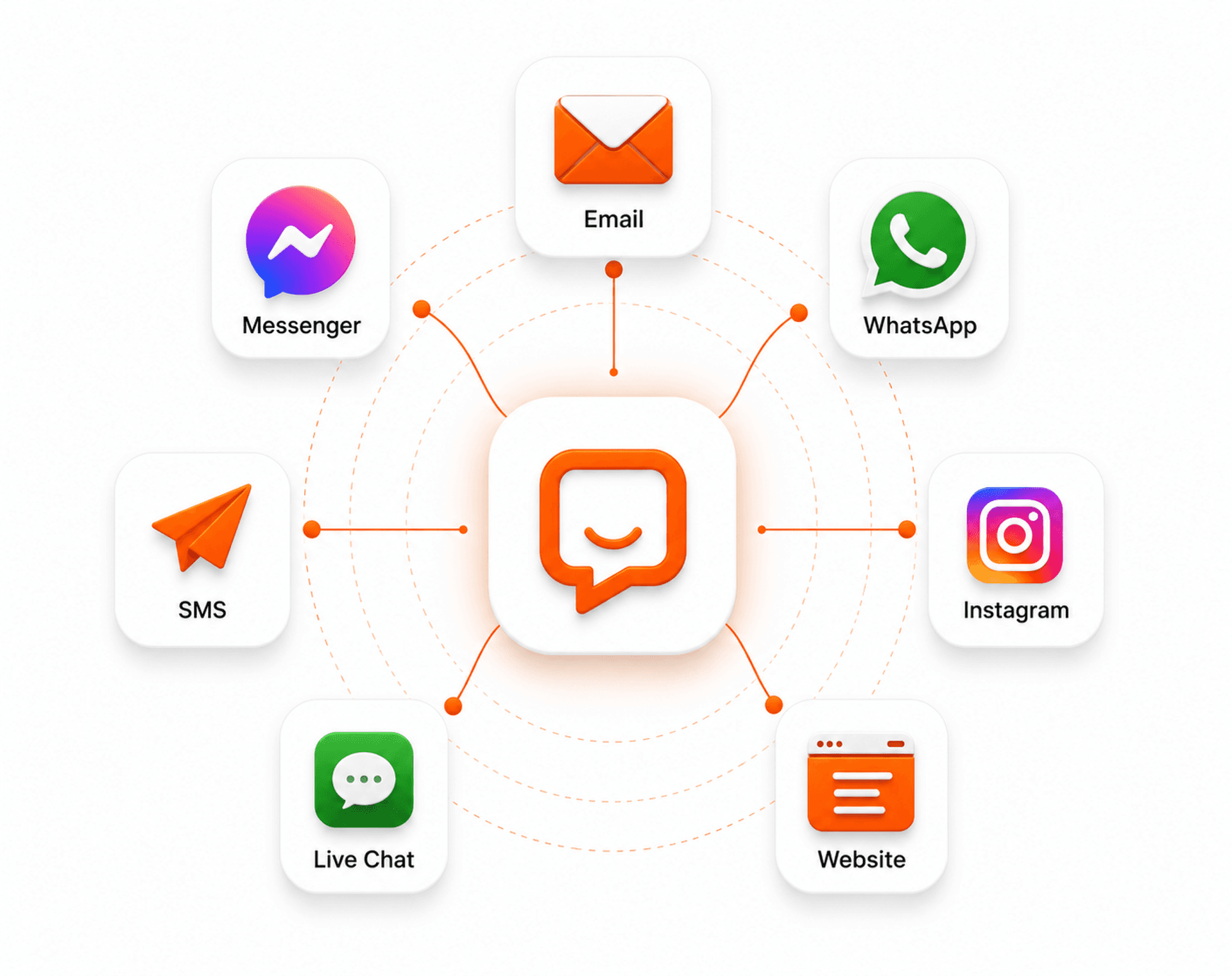
Chatwik has natively integrated channels. WhatsApp (Official API + Meta Verified), Instagram (DMs, story mentions, comment triggers), Facebook (Messenger, ads, comments), LINE (rich menus, carousels), Telegram (bot flows, inline keyboards), Email (IMAP/SMTP, spam filtering, shared signatures), and SMS (global delivery to 180+ countries, MMS, opt-out compliance).
LiveChat.com core live chat widget plus WhatsApp, Instagram, and Messenger accessible through marketplace app installations; channel depth depends on third-party app availability and configuration.

How Fast Does Each Live Chat Widget Actually Load?
Chatwik live chat widget loads independently in under 50ms with no measurable impact on Core Web Vitals or SEO score. Adaptive mode collapses into a floating bubble on desktop and expands to full-screen on mobile.
LiveChat.com fully-featured widget with strong customization; load performance benchmarks are not publicly disclosed.
Built-In AI for Customer Support?
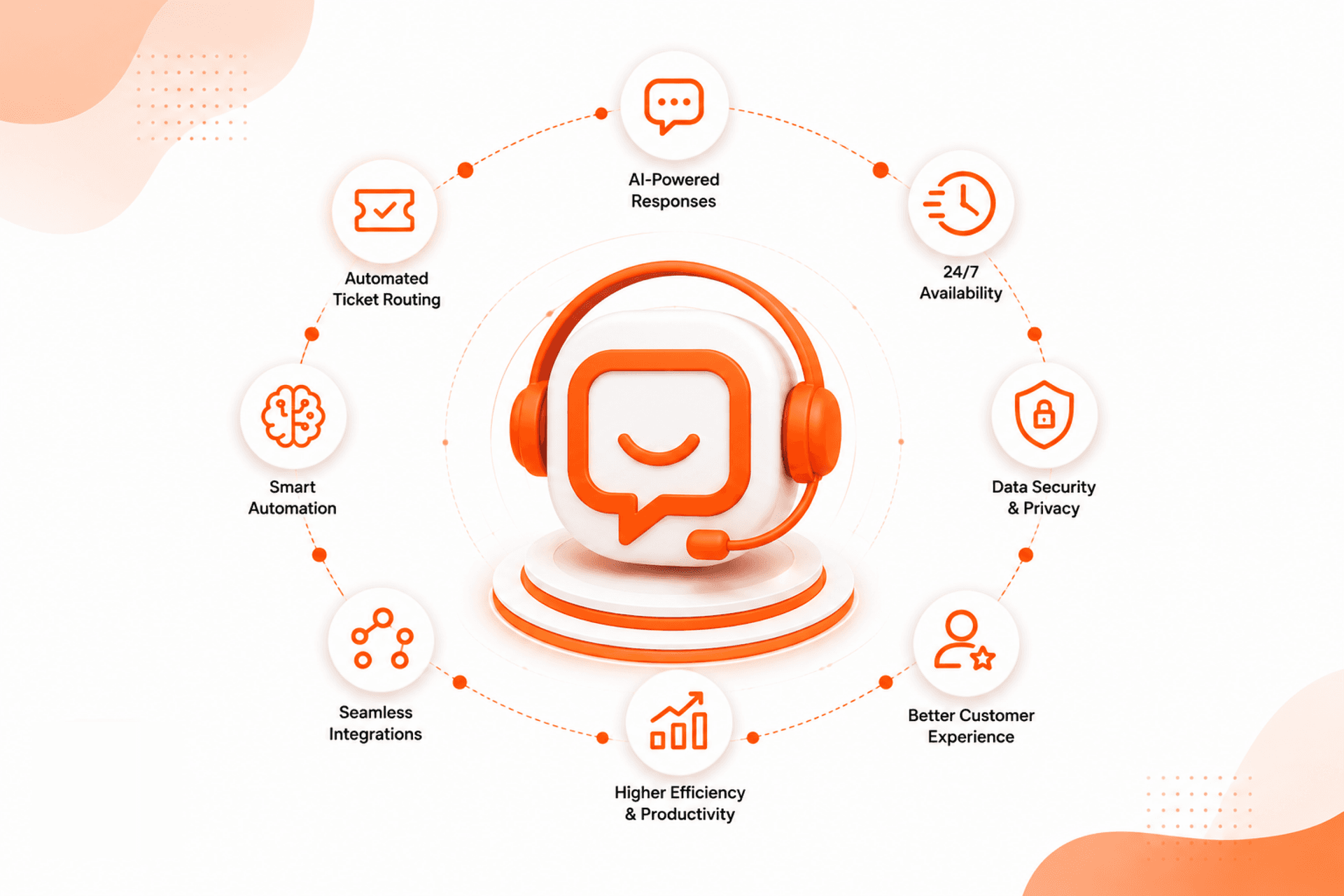
Chatwik ai reads incoming email tickets, searches the Help Center knowledge base, and drafts brand-tone-matched replies with one-click to switch Suggest a reply, Summarize the conversation and Ask Copilot.
LiveChat.com copilot provides in-app text enhancement, AI-generated chat summaries, and tag suggestions. ChatBot.com (a separate LiveChat Inc. product) handles full chatbot automation available as an add-on.

Chatwik: Social Automation Without a Developer
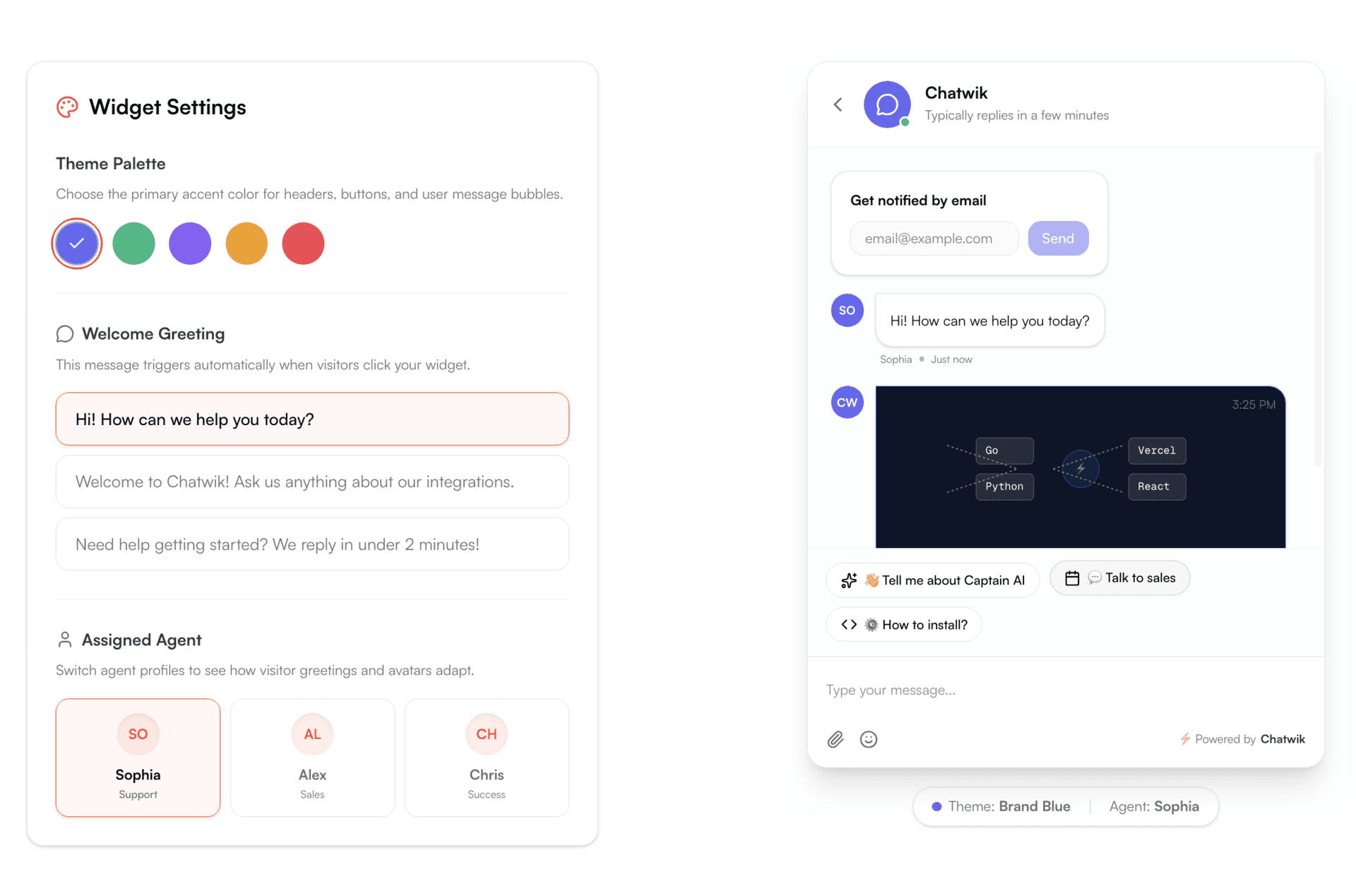
Set up automated comment-to-DM triggers on Instagram, convert Facebook post comments into support tickets, and deploy interactive WhatsApp keyword flows without writing code or hiring technical resources.
Instant auto-DMs from post comments and lead form sync.
Interactive button responses and command bot menus built visually.
Built-In CRM vs. Third-Party Integrations: What's the Difference?
Chatwik built-in CRM workspace surfaces contact details, custom attributes, and full browser navigation session history directly alongside the active chat no external CRM required for core contact management.
LiveChat.com CRM context available through integrations native contact management is lighter without add-ons.
Key Differences: How to Choose Between LiveChat and Chatwik
Understanding when LiveChat or Chatwik is the best fit for your business based on app marketplace requirements, native messaging channels, AI support capabilities, and pricing models.
Native omnichannel coverage eliminates integration overhead
Chatwik connects directly with no marketplace app installations, no third-party authentication loops. Teams managing customer conversations across social and messaging platforms get every channel active in one workspace from day one. LiveChat's social channel support is largely marketplace-dependent, meaning setup complexity and functionality vary by app.
A <50ms widget load protects site performance where it matters
Chatwik's chat widget is engineered to load in under 50ms with zero impact on Core Web Vitals or SEO. Critical consideration for e-commerce and content-driven businesses where page speed directly affects conversion and organic search visibility. LiveChat.com does not publicly disclose equivalent widget performance benchmarks.
AI delivers support intelligence without a separate product purchase
Chatwik's Wik AI integrates directly into the email channel summarizing incoming tickets, searching the Help Center for relevant documentation, and drafting contextual replies with adjustable tone at no additional cost. LiveChat's Copilot provides in-app assistance, but full chatbot automation requires ChatBot.com, a separate product with its own pricing tier.
💬 Today’s customers prefer messaging over email. Chatwik combines your website chat, WhatsApp, Instagram DMs, and Facebook leads into one shared workspace. Backed by AI to speed up replies, it's built for growing businesses ready to move beyond basic live chat.
How quickly can I switch from LiveChat & ChatBot.com to Chatwik?
Most teams can migrate from LiveChat and ChatBot.com to Chatwik and go live within the same day. Chatwik is built for fast onboarding without requiring developer resources or lengthy implementation cycles.
Set up your Chatwik workspace
Configure your team members, communication preferences, and branding in under 5 minutes without technical overhead.
Connect your existing channels
Natively connect WhatsApp, Instagram, Facebook Messenger, Email, and your website widget with zero marketplace app fees.
Go live & automate with Wik AI
Start managing customer conversations from one unified platform immediately with built-in AI copilot draft assistance.
LiveChat vs. Chatwik FAQ
Got questions about switching from LiveChat to Chatwik? Here are answers to the most common questions.
Experience AI-First Live Chat Without Hidden Add-On Costs
Consolidate website chat, WhatsApp, Instagram, Messenger, and AI automation into a single shared inbox. Go live today with no developer setup required.